
Is your business on Apple Maps?
When someone says "Hey Siri, who is a good plumber near me?", Apple answers from one place: your Business Connect listing. More than one billion people use Apple Maps every month, and this free guide walks you through claiming yours, verifying it, and making it worth the tap, in four steps. Pop your email in below and the PDF is yours.
31 pages · 10-minute read · No cost, ever
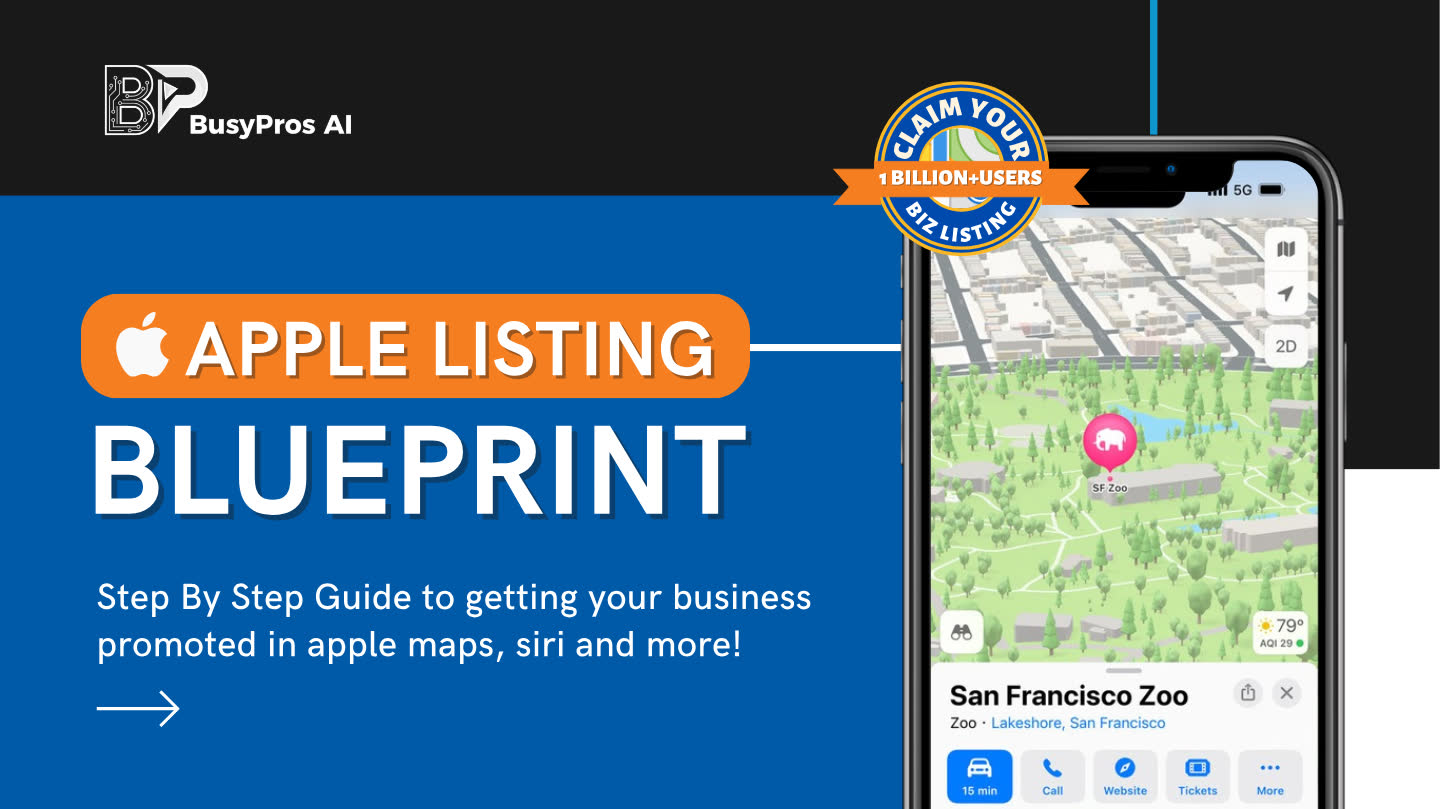
Four steps, zero guesswork
The Blueprint is a short, no-nonsense walkthrough built for owners, not marketers. Every step is screenshots-first, and none of it needs a developer.
Claim your Apple Business ID
The account behind the listing, the exact settings to use, and the phone-number rule you should not skip.
Choose your business type
Small, enterprise, or third party. Each path is covered, including the two situations you can hit when you search your location.
Get verified
Phone call, document upload, or domain records. What to expect from the 14-day verification window and how to move fast.
Finish the Place Card
Descriptions, photos, features, and Showcase posts. The extras that turn a bare listing into one that sells for you.
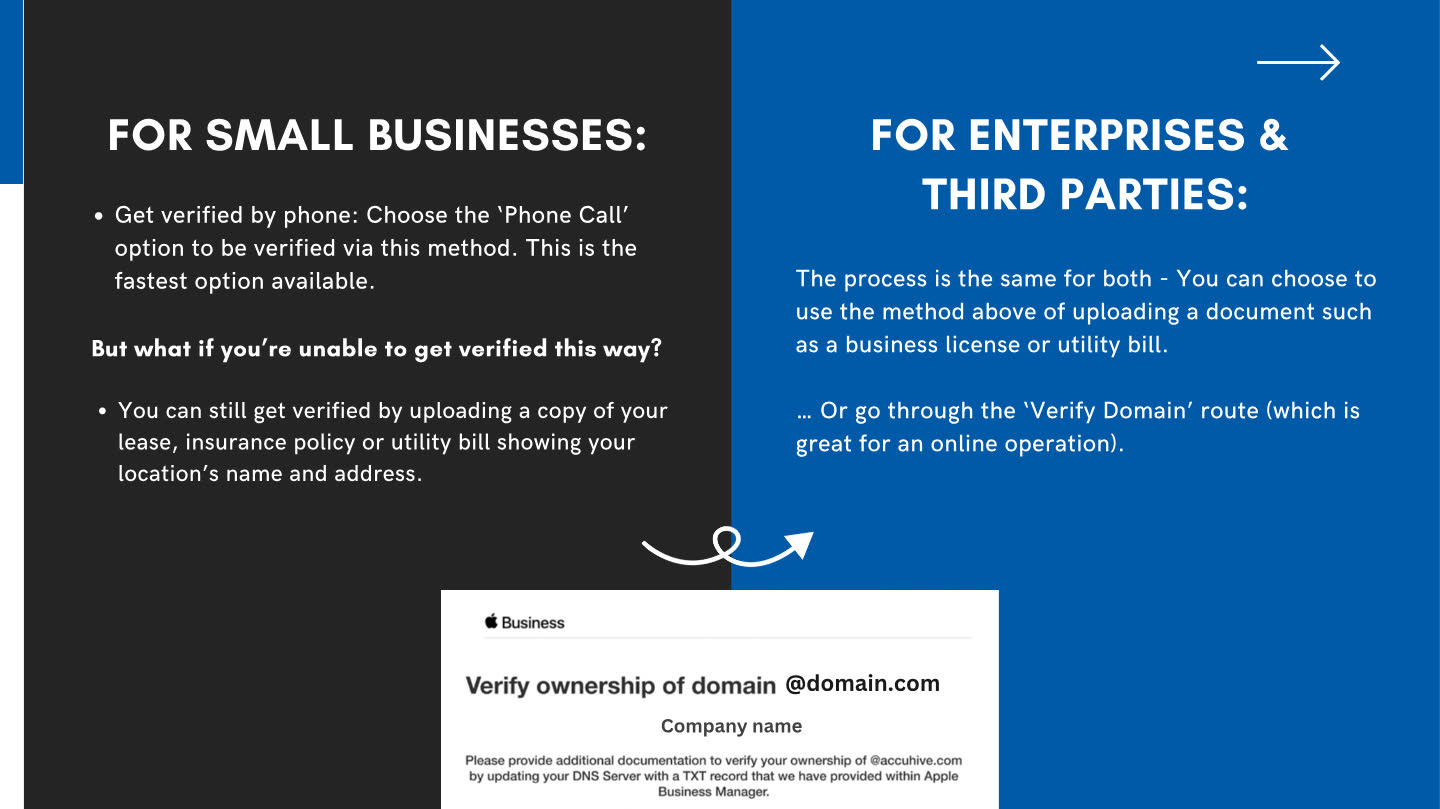
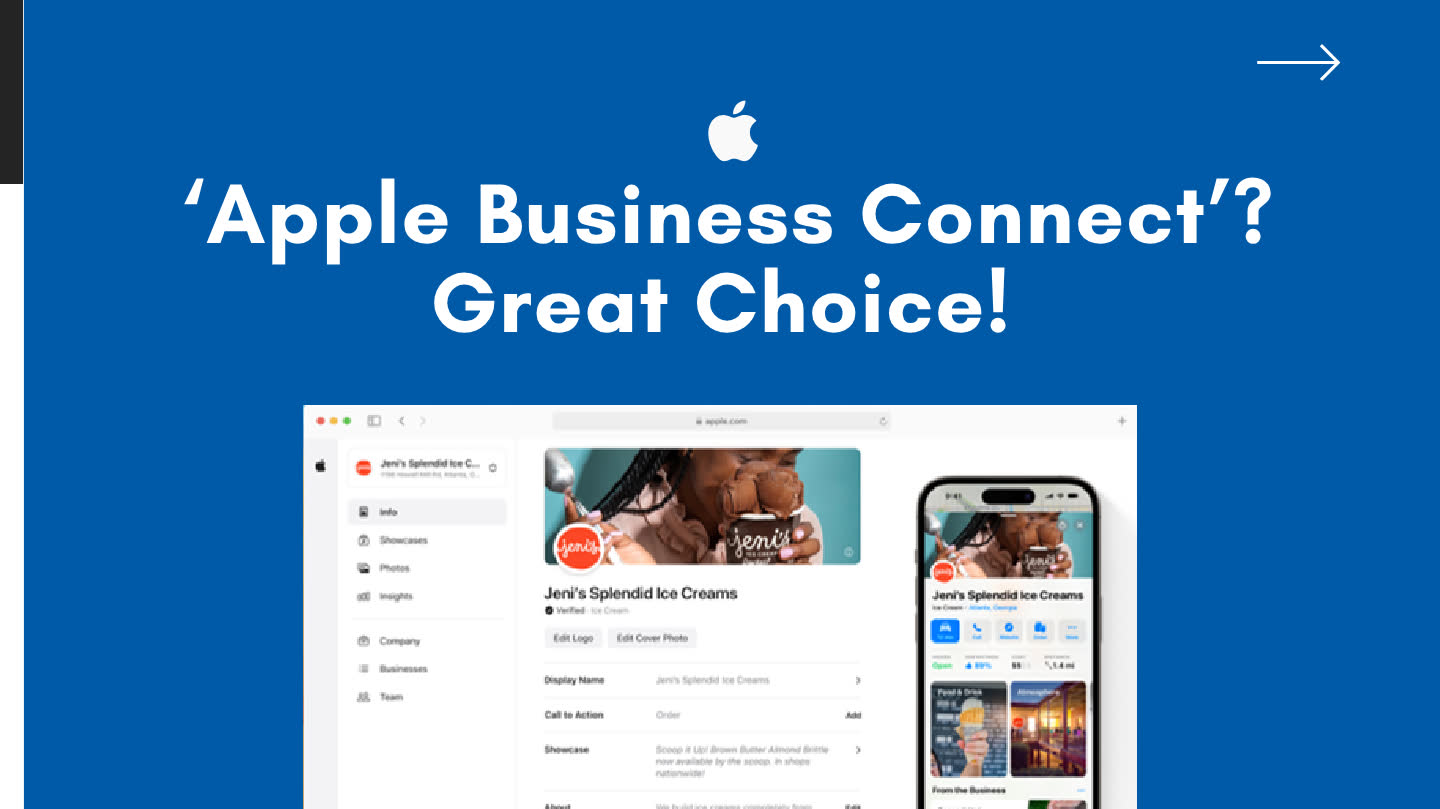
Real pages from the guide. No teaser tricks: what you see is the PDF.
iPhone owners ask Apple first
people use Apple Maps every month. Your next customer is one of them. Siri, Spotlight, and Maps all answer from the same listing.
of web traffic now comes from mobile devices, and the map an iPhone opens by default is Apple's, not Google's. StatCounter, 2025.
steps from unlisted to verified. The guide is short on purpose, and every step has the screenshots next to it.
Hey Siri, where is my business?
Once your Place Card is claimed and finished, your business shows up across Apple's world, not just in one app. The guide covers all four of these:
Siri recommendations
Customers ask by voice now. Apple answers from Place Cards like yours, so a finished listing hears "you" and not your competitor.
Offers and Showcases
Run limited-time offers and 30-day Showcases right on your card, each with its own call to action.
Shared in iMessage
When someone finds you, they pass your card along in a thread with one tap. That is how local word of mouth travels between iPhones.
Apple Pay and Business Chat
Add action buttons and let people message you straight from the card, without leaving Maps.
Everything you add also keeps your info consistent everywhere, which map engines and AI tools check against every other source. If customers can walk or drive to you, or search for you by name, this guide is for you, and it costs nothing but ten minutes.
Get the Apple Listing Blueprint
One email, and the PDF is in your inbox. The guide is free. The only price is that Rob may send you an occasional practical tip after this. Unsubscribe any time.
Where should I send it?
Trouble with the form? Email me@robestep.com and Rob will send it over himself.
Before you download
Is Apple Business Connect really free?+
Yes. Listing and verifying a business through Apple Business Connect costs nothing. The guide itself is free too.
How long does it take to get listed?+
Creating the Apple ID takes a few minutes, and the listing form itself is quick. Verification is often a phone call, though some businesses use the document or domain route, which includes a 14-day window to complete.
Do I still need my Google Business Profile?+
Yes, keep it. Apple Business Connect is an additional front door. The same details feed both, so keeping your name, address, and phone identical everywhere matters more than ever.
What is a Place Card?+
It is your listing inside Apple Maps: description, photos, features, links, and Showcase posts that promote what is new for up to 30 days at a time.
Made by an operator, not a guru
I am Rob Estep. I have run small businesses for 15+ years, my company has ranked in Google's local 3-Pack for 15 consecutive years, and these days I help owners get found everywhere customers actually look, including the places AI reads. This guide is the same walk-through I give real businesses before anything else.
See how we can do it for you →